Inspired by games like Firewatch, A Short Hike, and Paradise Marsh, A Bug's Hike was made for the thatgamecompany x COREBLAZER GAME JAM 2025, for which the theme was "generosity." I worked on a team with two other friends during this three-week period, and my role was primarily as a core features programmer. We decided to focus on "generosity" as acts of voluntary service.
Our idea was to create a game set in a desert park where the player takes on the role of a hiker. We wanted to build around the "leave no trace" principle that hikers are encouraged to follow, where you leave nothing behind except footprints and the only souvenirs you take home are photos. And to take it a step further, we wanted one player's decisions to impact the park for future players.
My Contributions
- Implemented the in-game camera and photo gallery systems
- Created photo download and submission workflows
- Integrated Firebase Storage and Firestore
- Developed systems for uploading and retrieving player-created content
- Implemented persistent world-state tracking for park cleanup
- Created the game's save system, including serialization of runtime-generated textures
Photo Roll
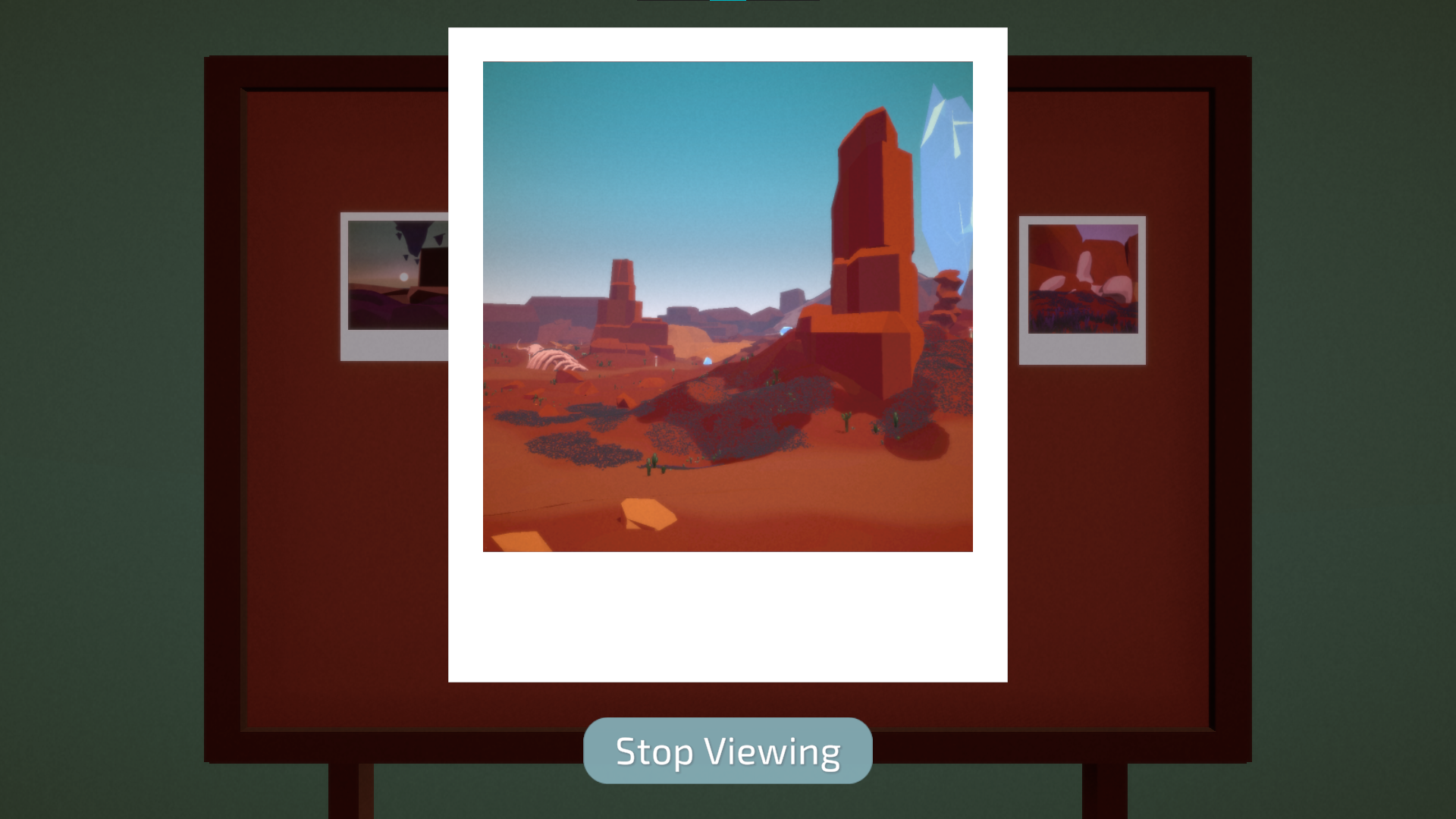
The player is equipped with a handy camera that can take up to 21 photos. They also have the option to submit a maximum of 3 for other players to view.
I implemented the camera system, gallery management, photo downloading, and photo submission functionality.
The game is typically played in a third person view, but it switches to first person when the camera is enabled. This is to allow better aiming while also making the experience feel more immersive. All photos taken are stored in their gallery, where players can view close-ups of their photos and download them to their device if they wish.
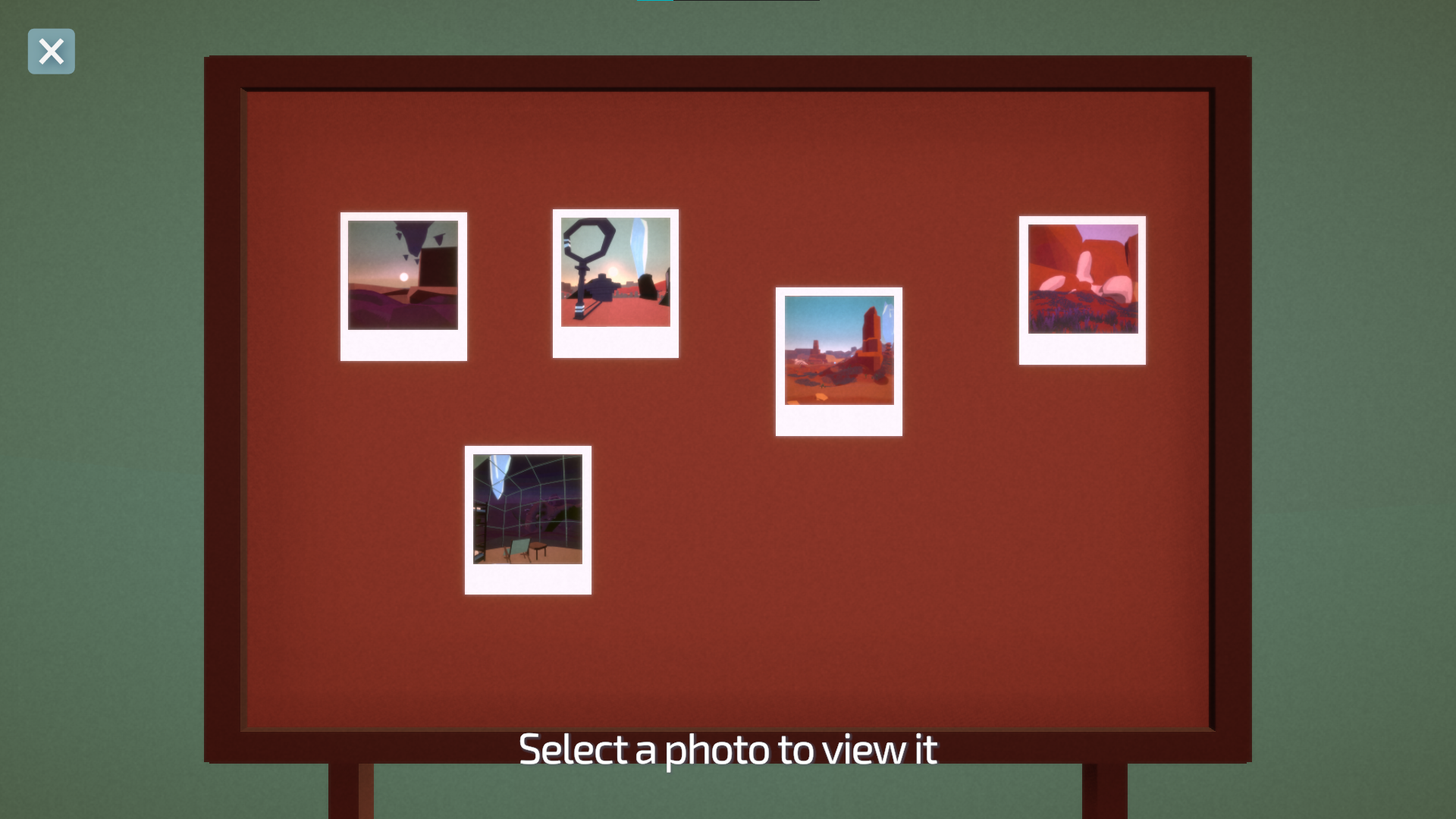
Players can also submit up to three photos for future players to discover during their own playthroughs, which I go into more detail below.
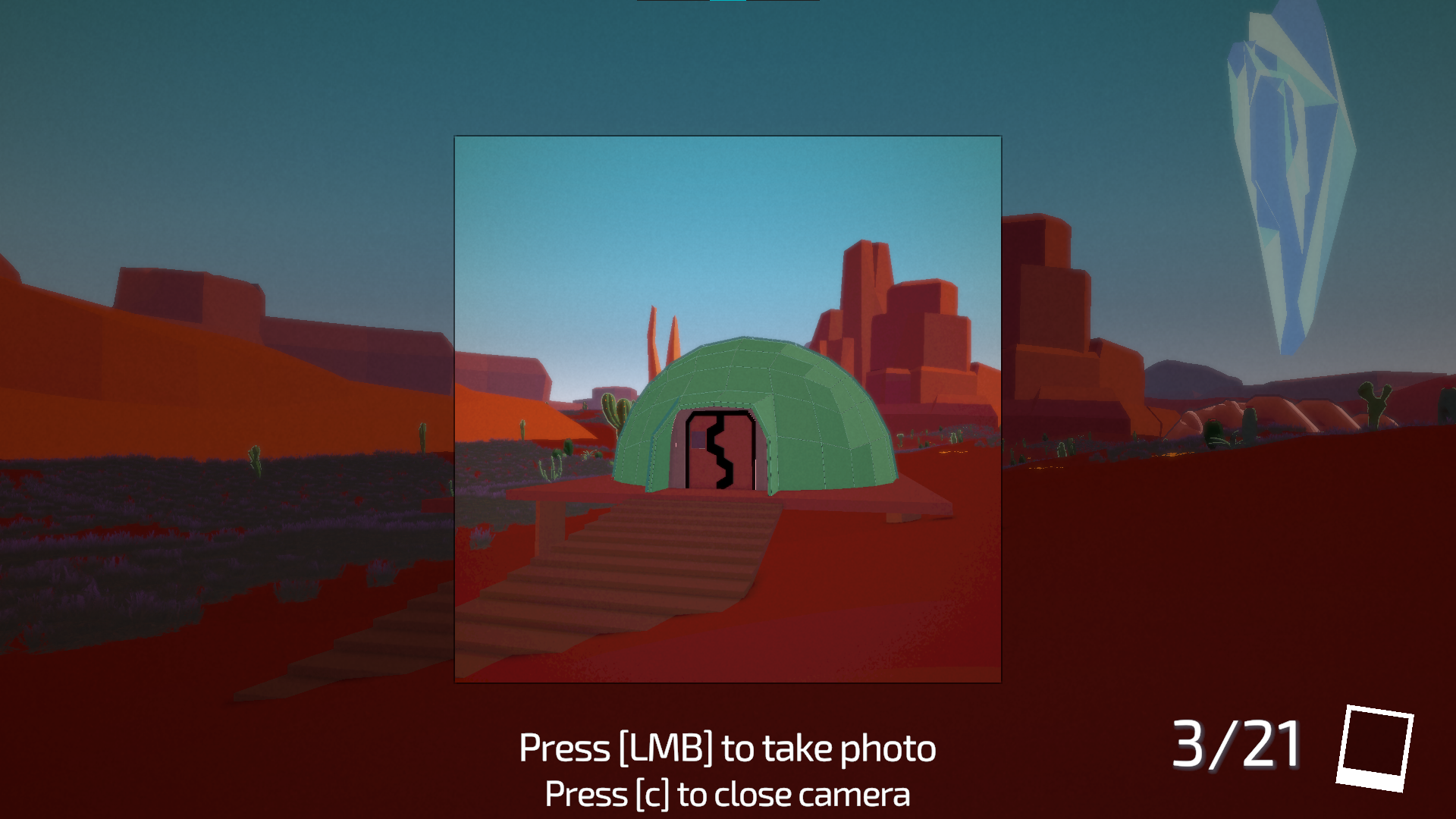
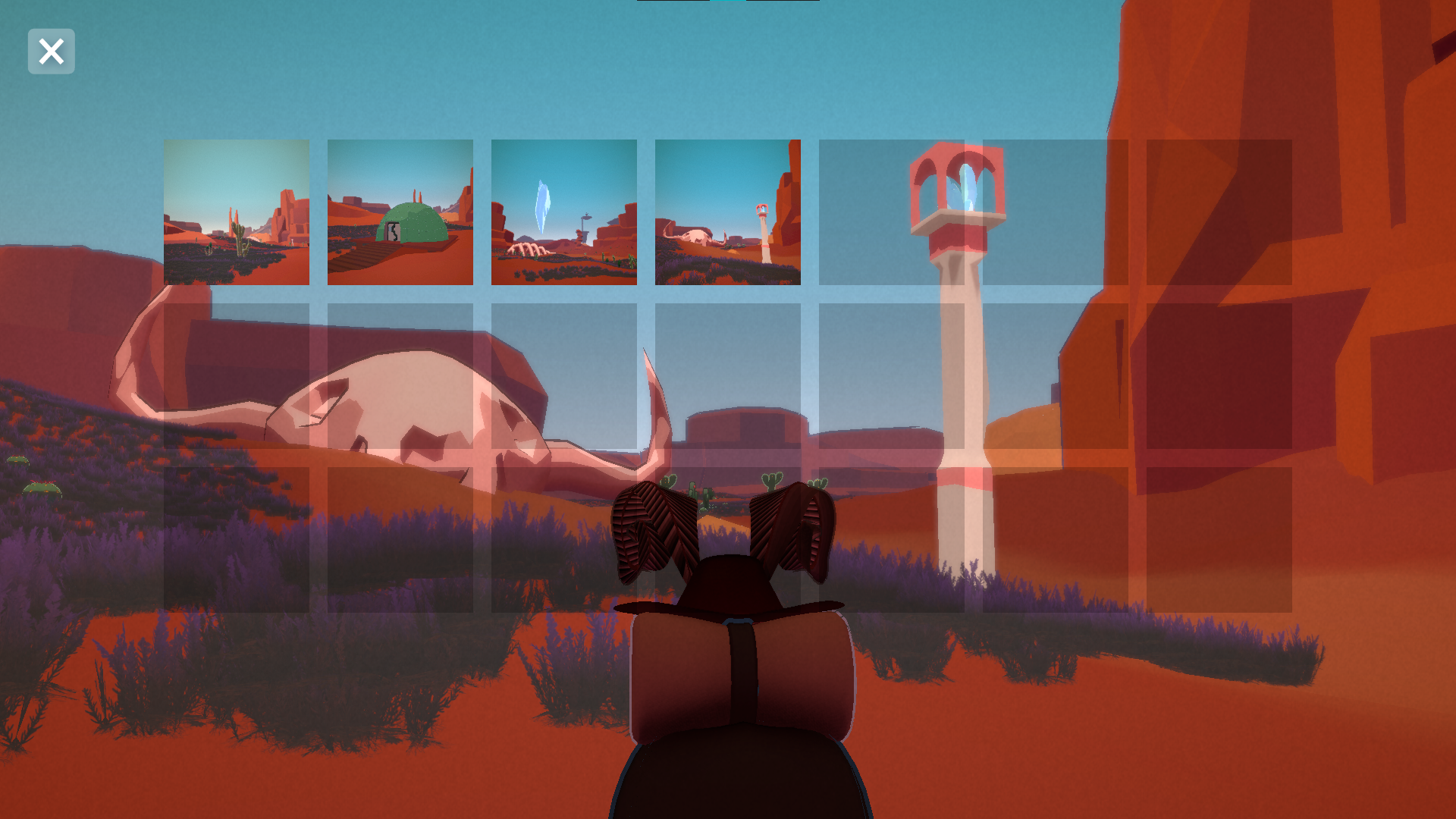
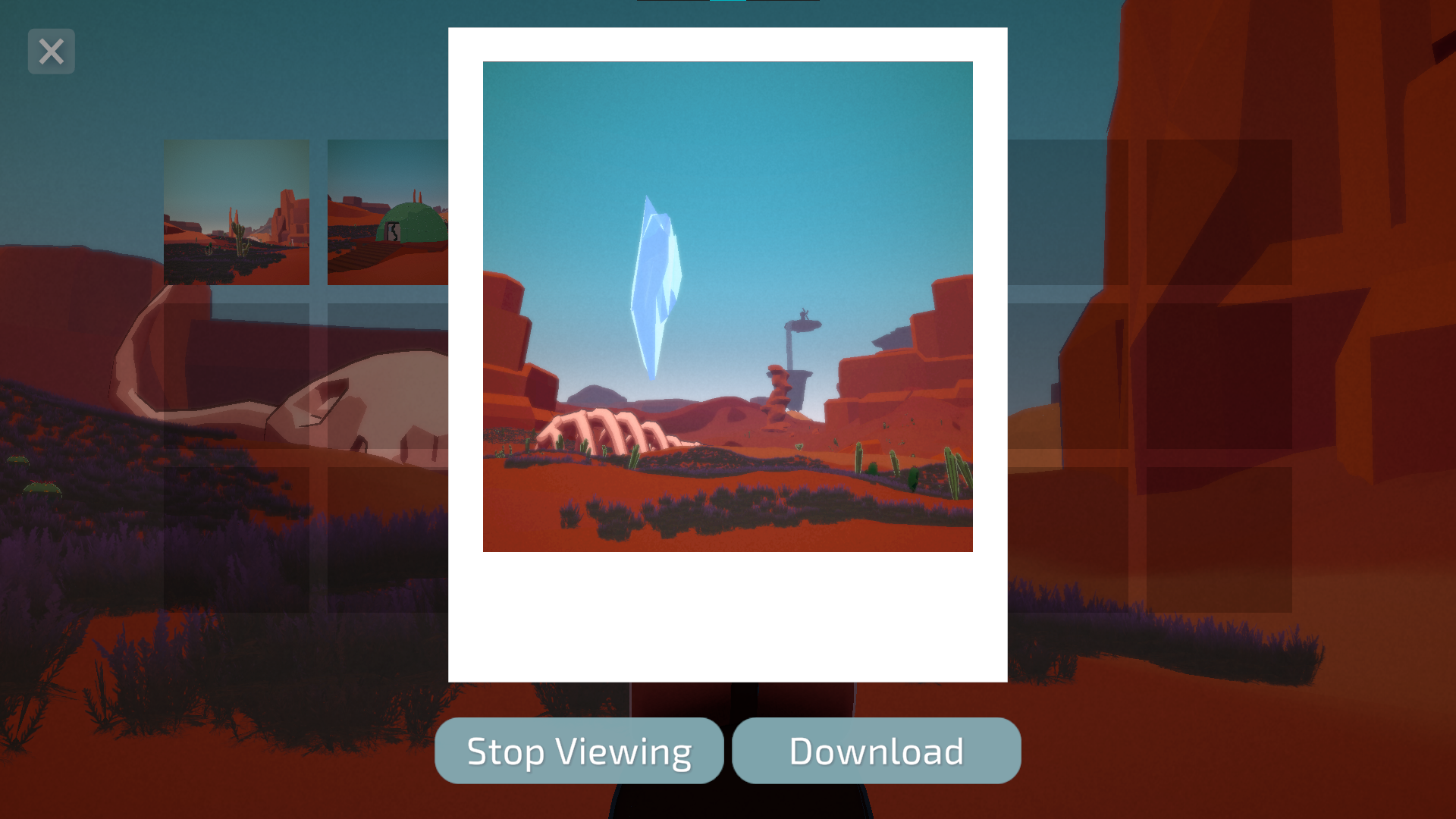
In order to make the photo feature work, I had to find a way to take a snapshot of the camera view when the user pressed the "shutter" button. The solution I found for this was to use a render texture with the "lens" camera, and, when a photo is taken, render a single frame into a new Texture2D. Then I apply that texture to a Sprite, which is useful for displaying it in the photo gallery.
I also reuse the TakeSnapshot() method below when restoring photos from a save file!
Camera snapshot logic:
void LateUpdate()
{
    if (snapCam.enabled)
    {
         snappedPhotoEvent.Invoke();

        Texture2D texture = new(restWidth, restHeight, TextureFormat.RGB24, false);
        snapCam.Render();
        RenderTexture.active = snapCam.targetTexture;
        texture.ReadPixels(new Rect(0, 0, restWidth, restHeight), 0, 0);
        Color[] pixels = texture.GetPixels();
        for (int i = 0; i < pixels.Length; i++)
        {
            pixels[i] = pixels[i].gamma;  // Corrects linear to gamma
        }
        texture.SetPixels(pixels);
        texture.Apply();
        TakeSnapshot(texture, true);
        SaveDataManager.Instance.AddTexture(texture);
    }
}

void TakeSnapshot(Texture2D texture, bool playAudio = false)
{
    if (playAudio)
    {
        audioSource.Play();
    }

    snapshots.Add(texture);

    Sprite sprite = Sprite.Create(
        texture,
        new Rect(0, 0, texture.width, texture.height),
        new Vector2(0.5f, 0.5f)
    );
    photoImages[currPhotoIndex].sprite = sprite;
    photoImages[currPhotoIndex].color = Color.white;

    RenderTexture.active = null;
    snapCam.enabled = false;
    currPhotoIndex++;

    UIManager.Instance.UpdatePhotoCountUI(GetPhotoCount());
}
Networked Data
One of my biggest responsibilities was implementing the backend systems needed to persist player contributions between sessions. I chose to use Firestore Database for the ease of integrating it with Unity. I was actually quite excited to do this, as I had been itching to learn how to build similar systems for a while.
I had to learn how to do the following:
- Connect the Unity project to Firebase
- Send & fetch data
- Figure out how to upload & download photos
The first two points were easy to figure out. The last one was the most challenging. I had to spend some time researching and digging through forums, but I was able to find a solution by doing the following:
- store the photo textures as .png files on the user's device (same logic used for downloading photos through in-game UI options)
- upload the photo to Firebase Storage
- upload metadata to Firestore, which will include a reference to the photo's generated filename
I could then fetch metadata for images, and use that to download the 25 random images displayed in the hubs.
Beautification
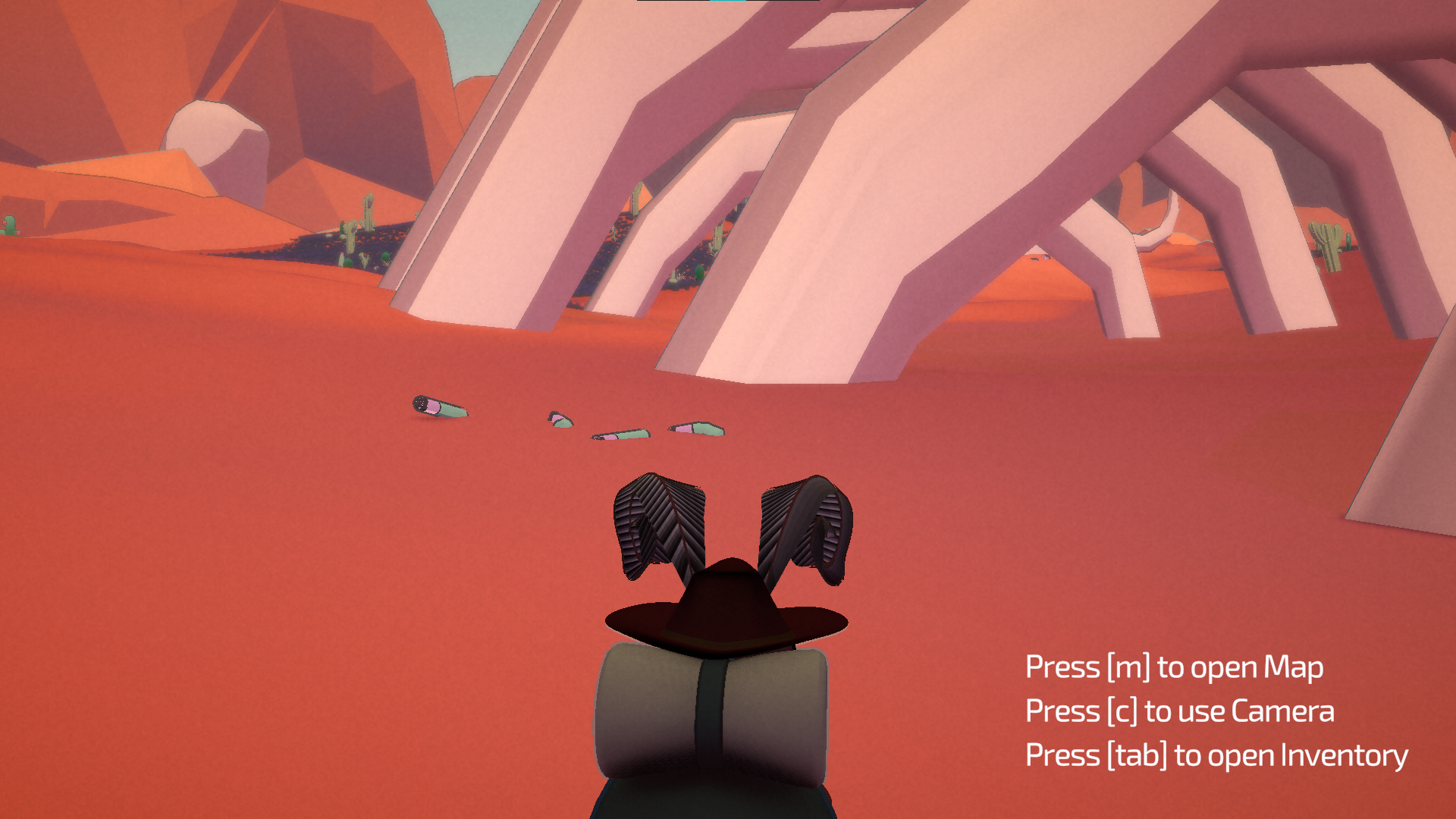
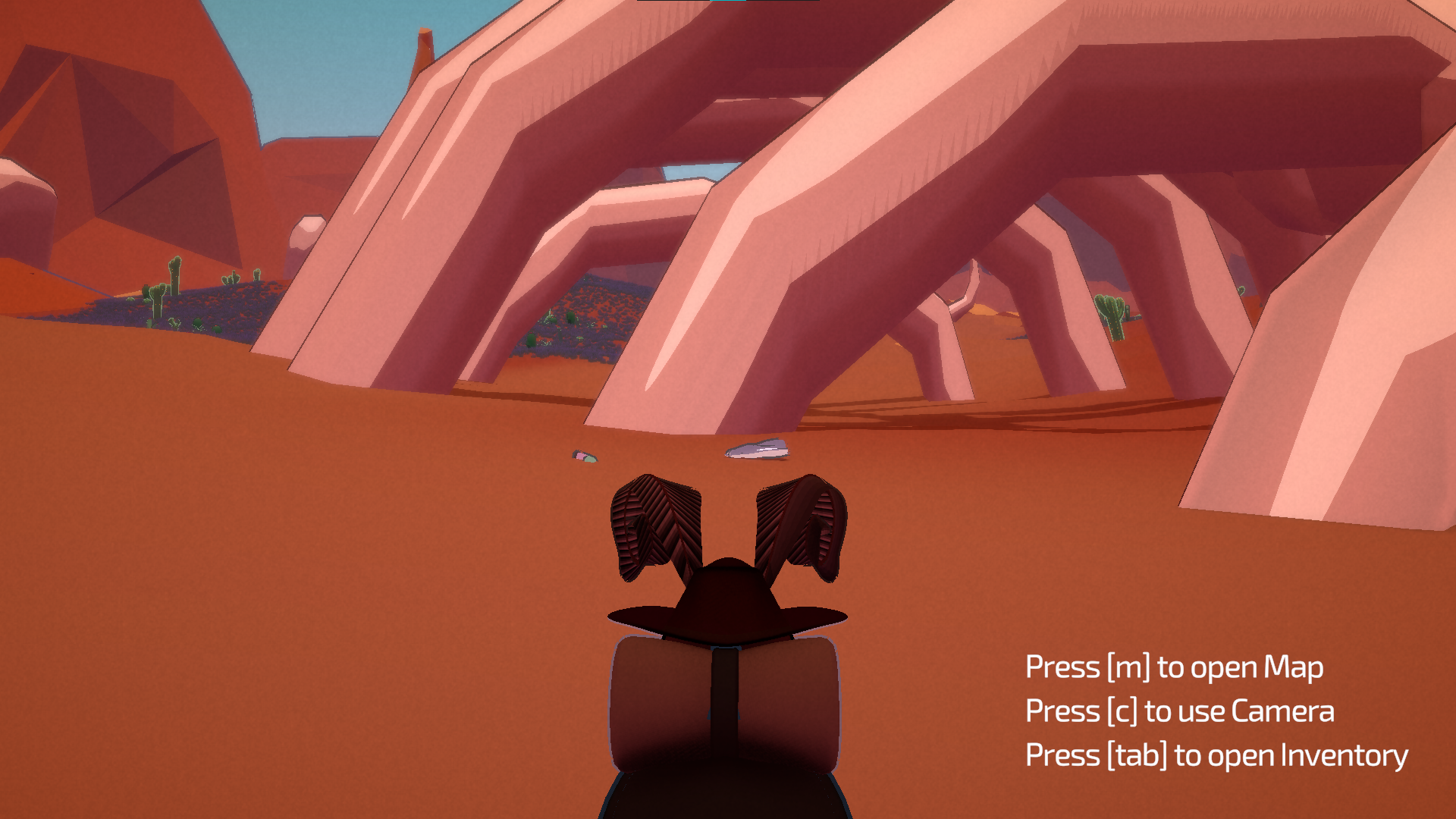
The park starts off littered, and as an act of generosity the players may go around and pick up trash they find. There is no reward for this other than making the park cleaner for future players.
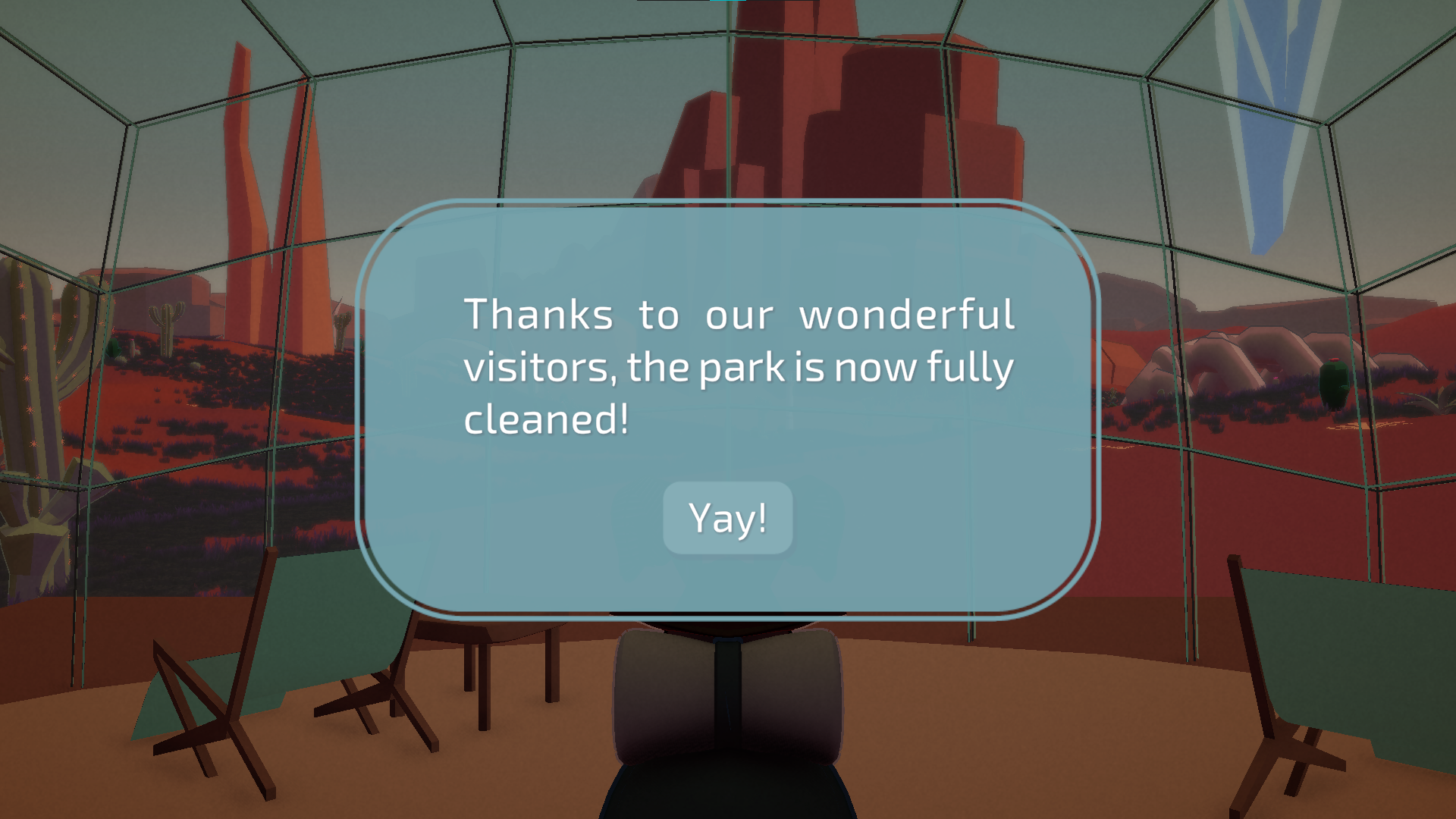
I used Firestore to track the total amount of garbage remaining across all players, and made it so that sections of the park that have visible trash become less dense as more and more players pick it up while playing. This allowed the world to gradually improve over time as more players participated, reinforcing the game's core theme of generosity.
Save System
Due to the nature of the photo gallery, we decided that our game would benefit from a save system so that players wouldn't lose their photos.
I created a simple save system that would save data containing the following:
- photo gallery <-- most challenging
- spawning point & rotation, based on the closest hub point (we had a few littered throughout the map, so they'd spawn at the nearest one)
- in-game time of day (we had a day/night cycle)
- if they had seen the popup stating that all garbage had been cleaned up (no reason to show this every time they launch the game)
- how many photos they had submitted to the database (we wanted to cap it at 3 to avoid spamming)
Saving photos
This was one of the more challenging aspects of the game that I worked on. 1) I had never created a save system before, so all of this was generally new to me and 2) I knew I would need to figure out how to serialize and de-serialize the photos for this to work.
After some research, I was able to figure out how to convert texture to raw byte data, and then write all that data to a .tex file.
/// saving photos
for (int i = 0; i < runtimeTextures.Count; i++)
{
    Texture2D tex = runtimeTextures[i];
    string texName = $"tex_{i}.tex";
    string texPath = Path.Combine(saveFolder, texName);

    byte[] raw = tex.GetRawTextureData();
    File.WriteAllBytes(texPath, raw);

    data.textures.Add(new TextureInfo
    {
        fileName = texName,
        width = tex.width,
        height = tex.height,
        format = tex.format.ToString()
    });
}

// loading photos
foreach (var texInfo in data.textures)
{
    string texPath = Path.Combine(saveFolder, texInfo.fileName);
    if (!File.Exists(texPath)) continue;

    byte[] raw = File.ReadAllBytes(texPath);
    TextureFormat format = (TextureFormat)System.Enum.Parse(typeof(TextureFormat), texInfo.format);
    Texture2D tex = new Texture2D(texInfo.width, texInfo.height, format, false);
    tex.LoadRawTextureData(raw);
    tex.Apply();
    runtimeTextures.Add(tex);
}
What I Learned
A Bug's Hike ended up being one of the most technically challenging projects I had worked on at the time. It pushed me to learn several systems I had never touched before, including Firebase integration, cloud file storage, save systems, and serializing runtime-generated data.
The project also reinforced the importance of building features around a core design goal. Every system we created, from the photo gallery to the persistent trash cleanup, was designed to support the idea that players could leave something behind for others.
Looking back, I'm particularly proud of the networking and save-system work. Both required a lot of research and experimentation, but they ultimately helped turn a simple game jam idea into a shared experience that persisted across players. After the jam's voting period ended, we had over 80 photos on Firebase, and all the garbage has been cleared!
And the game also performed well in the jam rankings! While we didn't make it to any of the judges' best (only three games made the cut for that), we managed to rank 21st out of 268 entries in the community vote, which I think is a pretty big achievement! Especially with so many other incredible games made by other teams.